How to Turn a Property Listing Into a Cinematic Video That Sells the Home
VoiceLuma AI Team · 10/17/2026
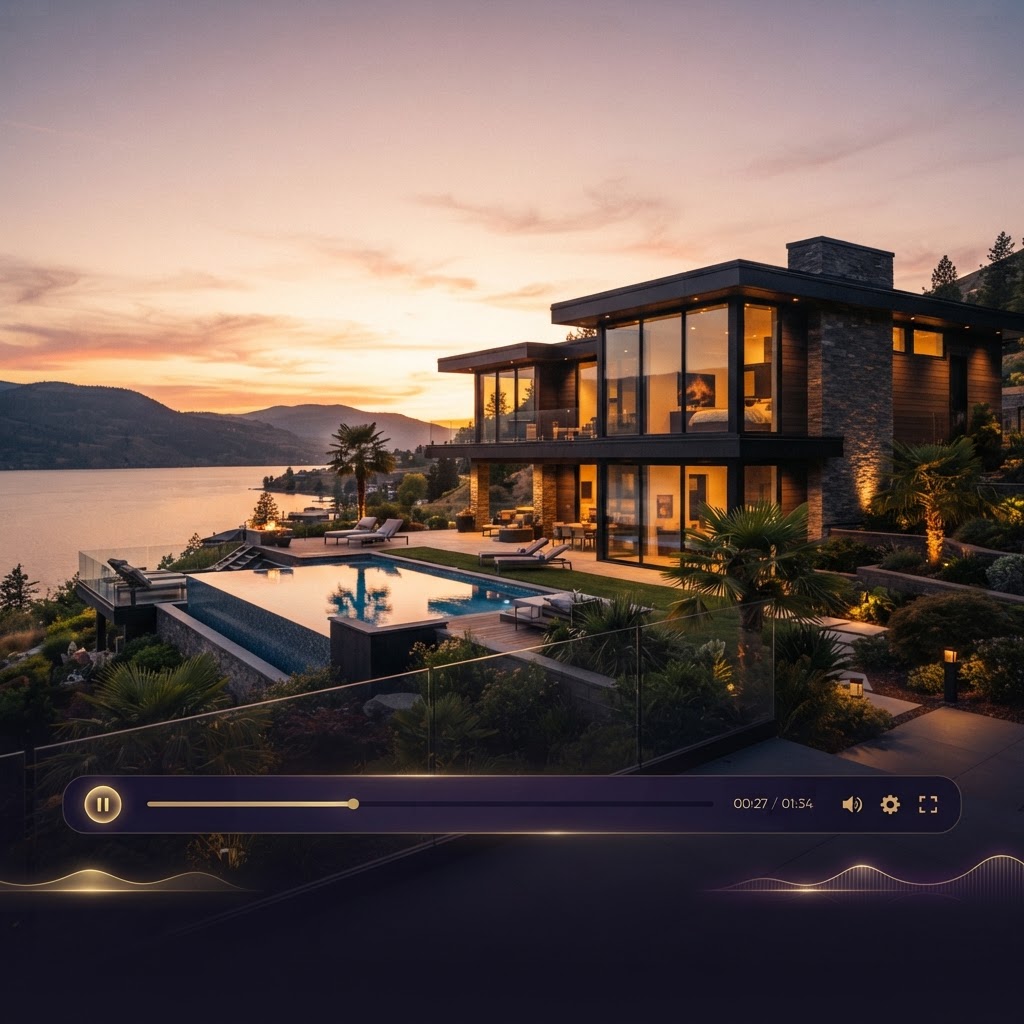
Most buyers decide in seconds whether a listing deserves another look. A grid of static photos makes them work for it — scrolling, zooming, guessing which room is which. A well-made listing video does the opposite: it sets the pace, guides the eye from the front door to the kitchen to the backyard, and tells one clear story about the home.
The good news is that you don't need a film crew, a drone pilot, or editing software to make one. If you can upload photos, you can create a polished property video. Here's how to bring a listing to life with the VoiceLuma Real Estate Studio.
1. Start with the facts, not the fluff
Great listing videos are built on accurate details. In the studio you enter the property name, address, listing type (sale, rental, vacation rental, new construction, land, or commercial), price, bedrooms and bathrooms, square footage, lot size, agent and brokerage information, and your call to action.
You control exactly which of those details appear in the video — hide the price for a teaser cut, hide the bedroom count for a land listing, keep the address and brokerage on a branded version. The narration is written only from the facts you confirm, so the video never invents a feature the home doesn't have. That matters: your listing copy should be as trustworthy as your signage.
2. Add your photos and footage
Upload property photos, walkthrough clips, or drone footage — drag and drop on desktop, or straight from your camera roll on your phone. You can:
- Label each photo by room so the video follows a natural tour order
- Set the focal point so the frame centers on what matters (that stunning kitchen island, not the ceiling)
- Trim video clips and mute or keep their original audio
- Reorder everything until the story flows
A good rule of thumb: lead with your strongest exterior or living-space shot as the hook, move through the main rooms, finish with the standout feature — the pool, the view, the backyard — and close on a call to action.
3. Choose a style, length, and format
Pick the look that fits the property: Luxury Cinematic, Modern and Energetic, Warm and Inviting, Minimal and Elegant, Vacation Escape, New Construction Showcase, Land and Outdoor Lifestyle, or Agent-Guided Tour.
Then choose your target length — 15, 30, 45, 60, or 90 seconds — and format: vertical for Reels, Shorts, and TikTok; landscape for YouTube and your website; square for feed posts. Short and tight almost always outperforms long and loose on social feeds.
4. Let the story write itself (then edit it)
Based on your confirmed facts, VoiceLuma drafts a narration script — opening hook, property description, highlights, and closing call to action — in the tone you choose, from Professional to Luxury to Vacation-rental-warm. Every word stays editable, so you can replace the whole script with your own voice if you'd rather write it yourself.
5. Give it a voice
Pick a stock AI voice and preview it before committing, use one of your verified cloned voices, upload or record your own narration, or skip narration entirely and let music carry the video. Music volume, voice volume, and automatic ducking (music drops under the narration) keep the audio balanced.
6. Generate, review, and share
Render the video and you get a real downloadable file — ready for Instagram, YouTube, your website, or your listing page. You can export branded and unbranded versions (unbranded strips agent identity, logos, contact info, and QR codes for MLS-style requirements), download captions, grab a QR code linking to wherever you want viewers to go, and create a shareable link you can revoke anytime.
Why video moves listings
Video does what photos can't: it conveys flow, scale, light, and feel in sequence. A buyer who watches a 30-second tour arrives at the showing already emotionally living in the home. Agents who consistently use video report more listing-page engagement, more shares, and stronger personal branding — and a property video you produce in minutes costs a fraction of a professional shoot.
The homes that sell fastest are usually the ones buyers can already picture themselves in. A cinematic listing video is the fastest way to help them picture it.
---
Ready to try it? Open the VoiceLuma dashboard and create your first listing video — your photos already tell the story. This just makes it move.